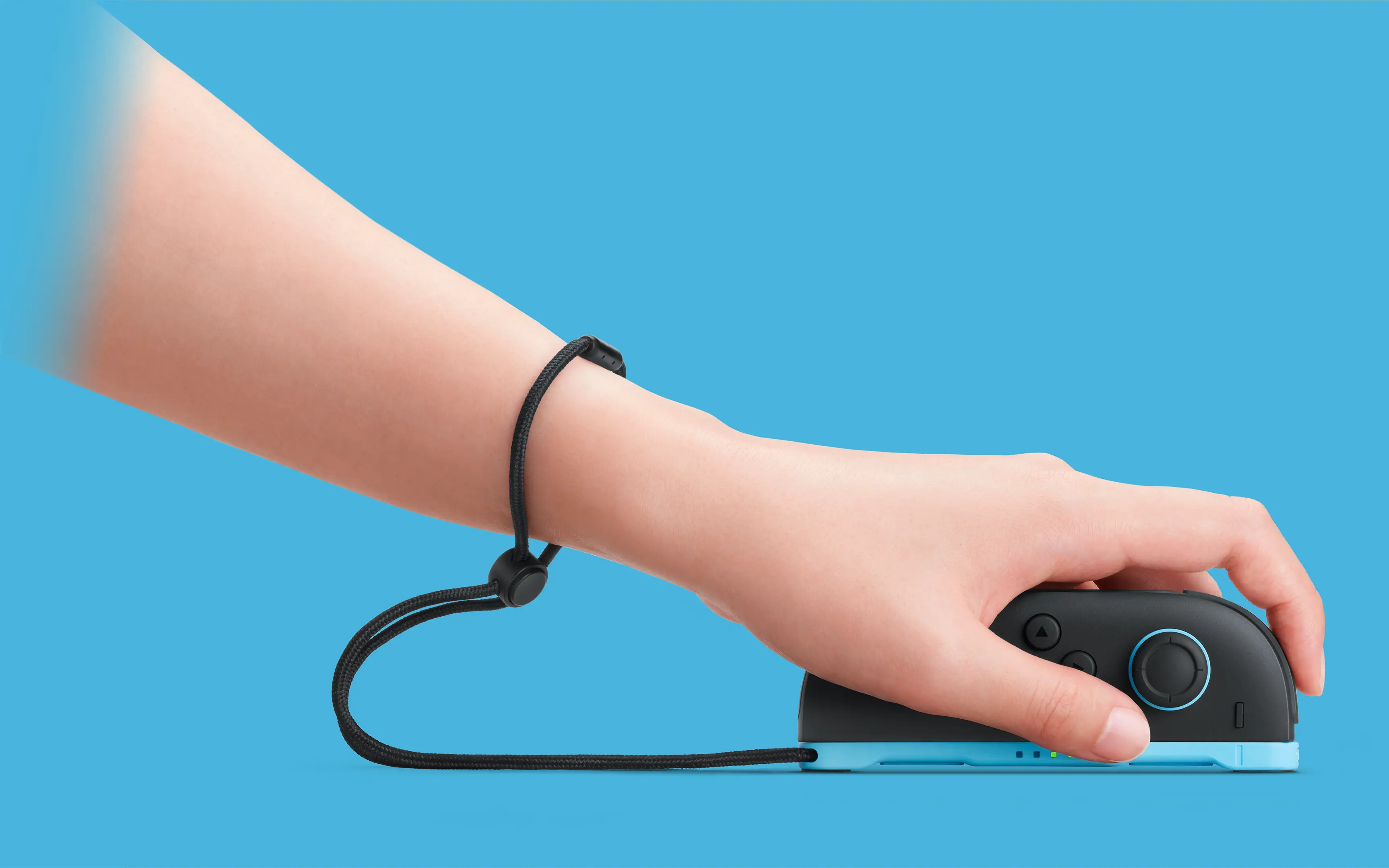
Turn the controller onto its side
Joy-Con 2 has an additional role beyond the familiar controller grips: it can work as a mouse on Nintendo Switch 2. Nintendo’s support guidance says mouse input works in the HOME Menu and in compatible software. Either one or both controllers can be used, depending on the experience.
Attach the Joy-Con 2 strap before using mouse controls. The official product image shows the sideways grip and the wider base underneath the controller. This is an existing Switch 2 feature, not a newly announced accessory.
Try the surface before blaming the sensor
A flat, suitable surface is the best starting point. Nintendo warns that glass, highly reflective surfaces and some fabrics can interfere with tracking. An uneven lap can also cause problems. Its guidance is to try a flat surface with no obstructions between the controllers and console.
A useful diagnostic sequence is to try the HOME Menu on a suitable surface first, then test the game. If menu navigation works but the game does not respond as expected, check that title’s mouse-control support and settings. Changing one condition at a time makes the problem easier to narrow down.
Why the second input matters
In Nintendo’s April 2025 developer interview, the team explained that mouse input could open the system to different kinds of games. The interesting opportunity is choice: a stick can handle movement while a mouse-style controller handles pointing, where the software supports that arrangement.
The payoff is not that every game becomes a PC game. It is that familiar controllers can support another useful interaction without a separate mouse purchase.
Source published 2025-04-02. Coverage is based on the maker’s announcement and demonstration.