Choose what earns a place
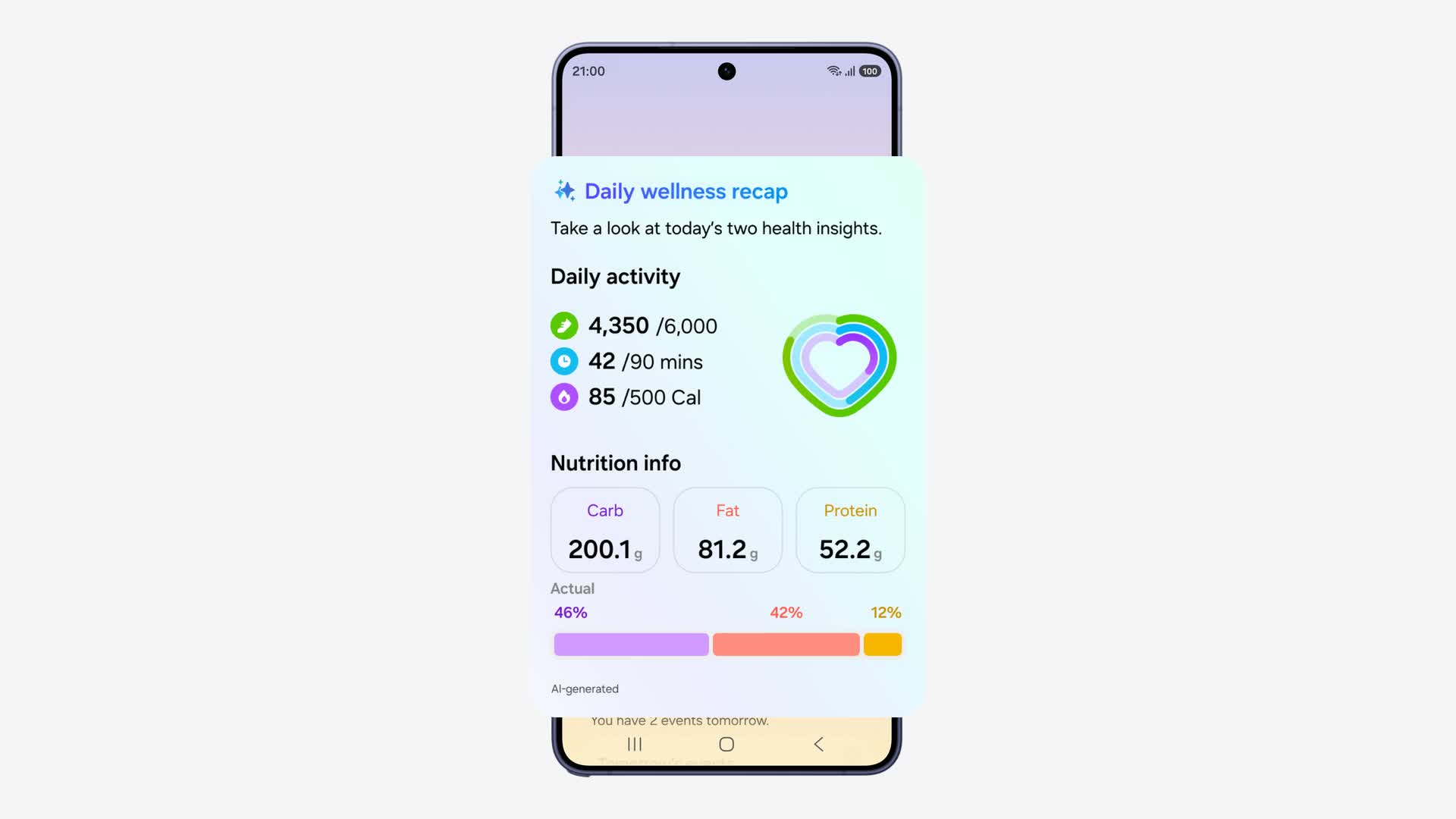
A daily summary is only useful if it tells you something you wanted to know. Samsung’s One UI 9 adds generative and editable cards to Now Brief, allowing supported users to shape the information that appears in their briefing.
The official demonstration walks through a health card: choose information, set when it should appear, and generate the result. Samsung also identifies weather and video as card categories. It is a more specific idea than simply adding another notification.
A practical way to try it
Start with one recurring question rather than building a wall of cards. A daily activity recap or a useful weather check gives you a clear reason to open the summary. Choose a time when that information could change what you do next.
Then compare the card with the source app. Does it preserve the important context? Does it arrive at a useful time? If it only repeats something you already see elsewhere, remove it. A smaller briefing can be more useful than a comprehensive one.
Rollout and source
Samsung announced the broader One UI 9 rollout on September 16, beginning with the Galaxy S26, S26+, and S26 Ultra. That does not mean every Galaxy received every feature immediately. Model, market, language, and app support can differ.
Now Brief requires a Samsung account, and personalized content uses information the user has consented to share. The attached footage is Samsung’s interface demonstration. We have not tested the update on a handset; this guide explains the workflow shown in that demo.
Source published 2026-09-16. Coverage is based on the maker’s announcement and demonstration.