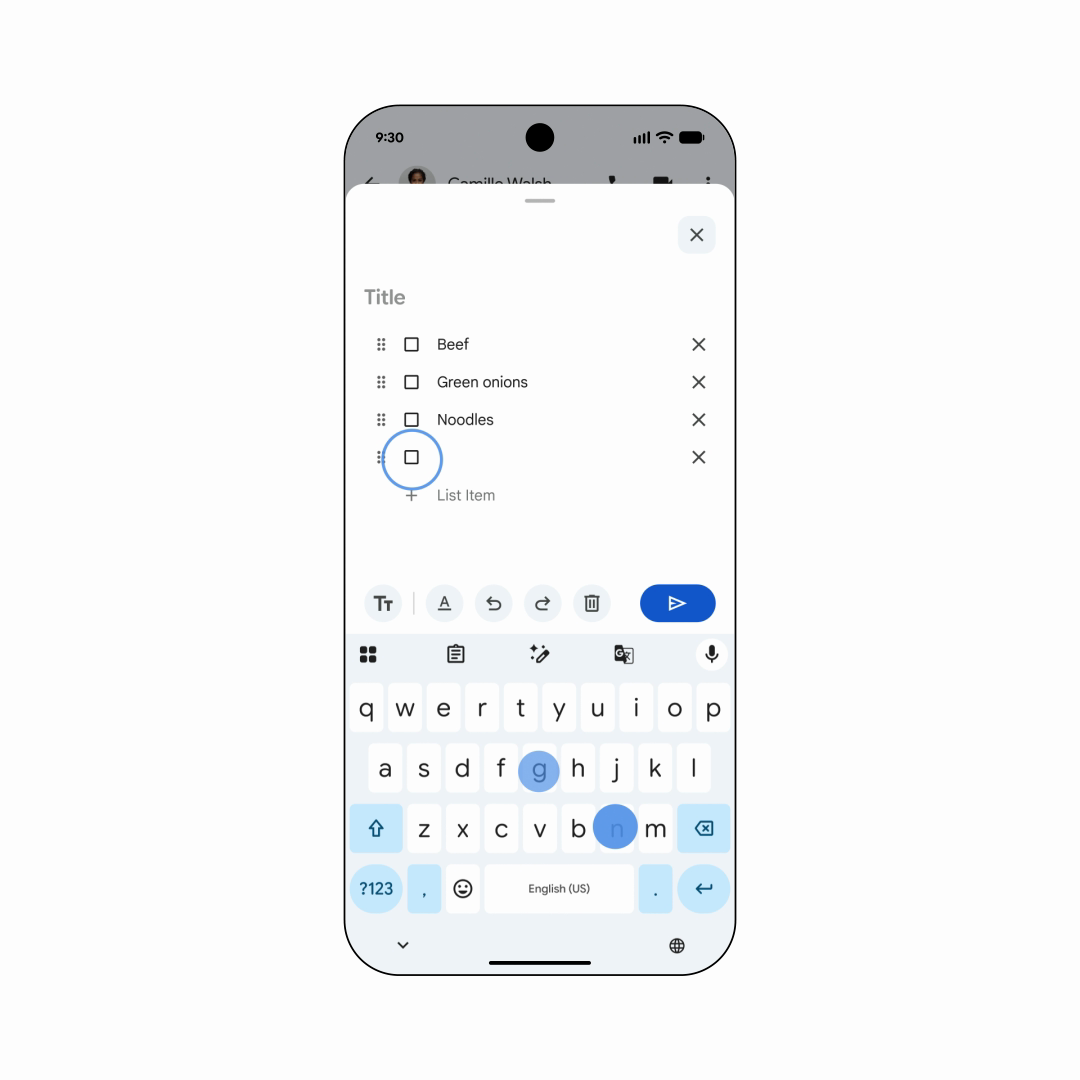
From conversation to shared checklist
A dinner plan can generate ten messages before anyone knows who is buying what. Google’s September Android announcement offers a more useful place for the final list: inside the conversation itself.
The update brings Google Keep notes into Google Messages. Google says participants can view, add to and edit a note from the chat. Its demonstration turns a conversation about dinner into a grocery checklist, with individual ingredients and checkboxes. Rollout began September 1.
One small workflow to try
Google’s entry point is the plus button in Messages, where you can bring Keep into the conversation. For a first attempt, choose an ordinary shared task: dinner ingredients, a packing checklist or supplies for a weekend project.
Our suggested approach is to keep the note focused on the current plan. Give it a clear title, keep each item on its own line and agree which updates belong in the note. Use chat for questions and decisions; update the checklist when the answer is settled. That is a suggested organizing method, rather than a separate product feature.
The payoff is less reconstruction
A chat preserves the discussion, but the discussion is not always a usable plan. An editable list gives the group a place to keep its latest version. Whether that reduces missed items is something to test with your own group; this article describes Google’s announced workflow, not a hands-on test.
Source published 2026-09-01. Coverage is based on the maker’s announcement and demonstration.