Check the switch before replacing the earbuds
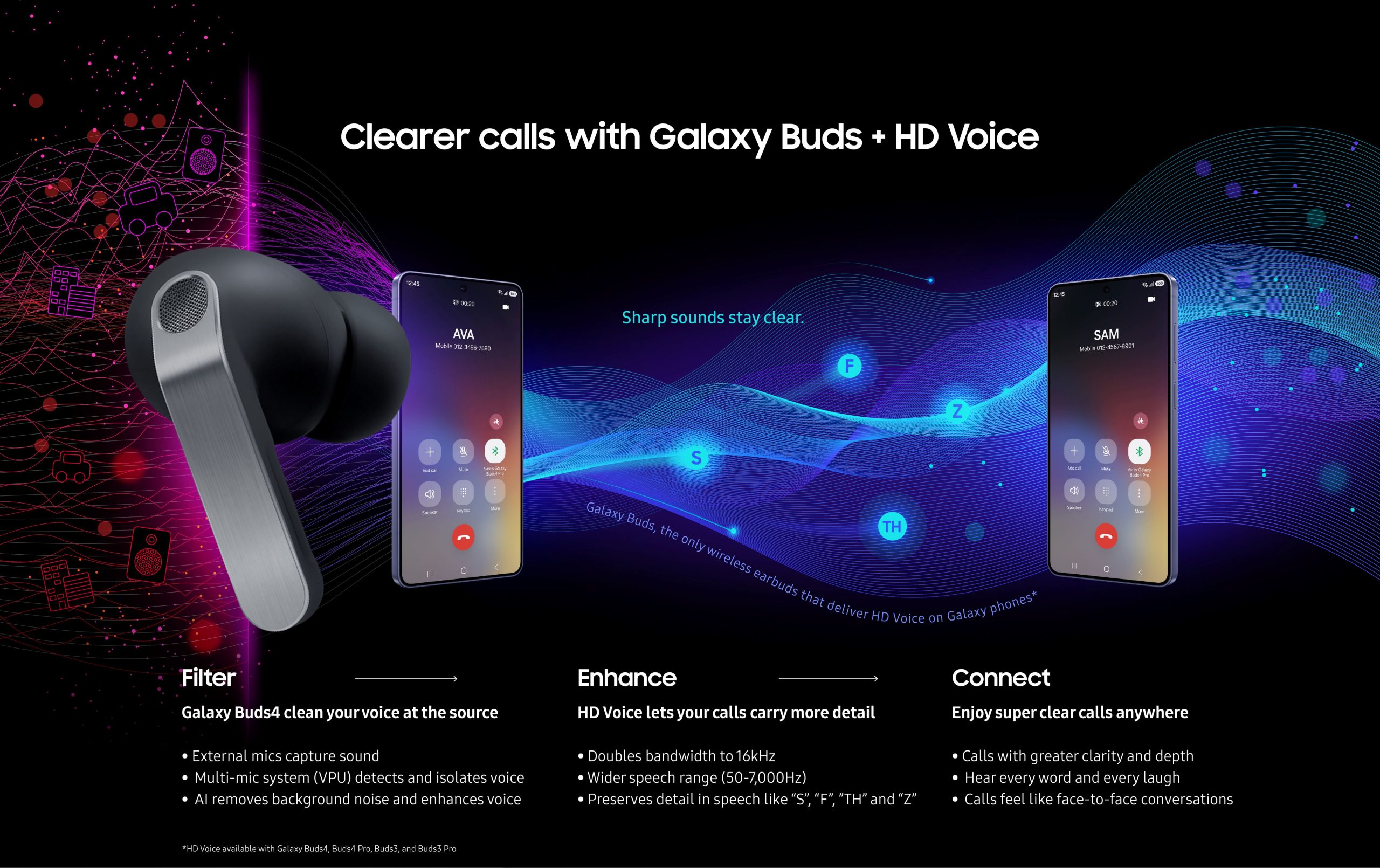
If people struggle to understand you on calls, your next step might be a setting rather than a purchase. Samsung’s March explanation of Galaxy Buds4 HD Voice points to a feature called Super wide band speech on compatible Galaxy devices.
Open the Buds settings on your phone, choose Sound quality and effects, then Advanced quality options. Look for Super wide band speech. Samsung says initial setup and a compatible Galaxy device are required; an absent switch is a reason to check your specific device’s support, not assume the earbuds are broken.
What the setting is trying to preserve
Samsung describes a combination of speech-focused noise reduction and a wider Bluetooth voice connection. The practical aim is to help the person at the other end distinguish words. The accompanying illustration explains the company’s proposed signal path; it cannot demonstrate what your own call will sound like.
Try one repeatable call
For a useful personal comparison, call the same willing listener from the same room and read the same short sentence twice, changing only the setting. Ask which words were easier to understand before telling them which version was enabled.
Then repeat in the place where your calls actually become difficult. A quiet-room improvement might not answer your question about a windy walk or a busy kitchen. Keep your phone position, app and speaking volume as consistent as possible.
That turns a promising feature into a practical decision: whether this setting helps your regular conversations. This is a suggested check, not a MikeTechLife listening test.
Source published 2026-03-10. Coverage is based on the maker’s announcement and demonstration.