Start with a memory
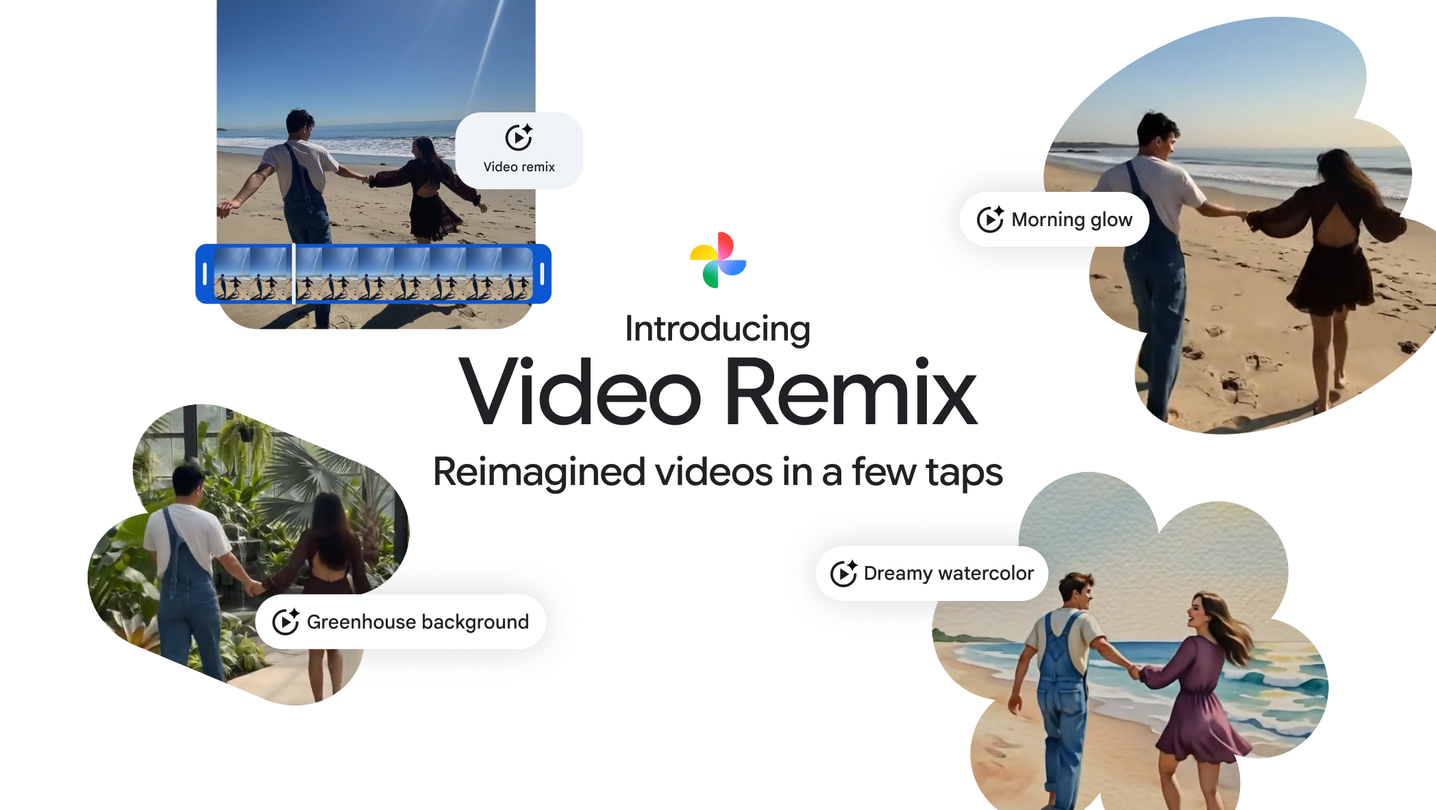
The interesting part of Google Photos Video Remix is the starting point: a video already in your camera roll. Google’s examples take a beach scene and try new lighting, new surroundings and a watercolor treatment.
Instead of filming again, you explore different interpretations of the same moment. The official comparison makes the change obvious at a glance.
Where to find it
Video Remix lives in the Create tab in Google Photos. The July release uses Gemini Omni and a collection of templates, including raw sketchbook and oil-painting styles as well as more cinematic transformations.
Access is for Google AI Plus, Pro and Ultra subscribers in selected countries. This is a July feature worth discovering, rather than a new September announcement.
A useful way to experiment
For a short personal video, the first creative question can be mood: bright and playful, quiet and painterly, or something more dramatic. A small set of contrasting versions can help you decide faster than tweaking every editing control yourself.
Keep the original clip too. The remix is an imaginative version of the memory, while the original preserves what the camera actually recorded.
Source published 2026-07-08. Coverage is based on the maker’s announcement and demonstration.