Three different ways to study from the material you already have
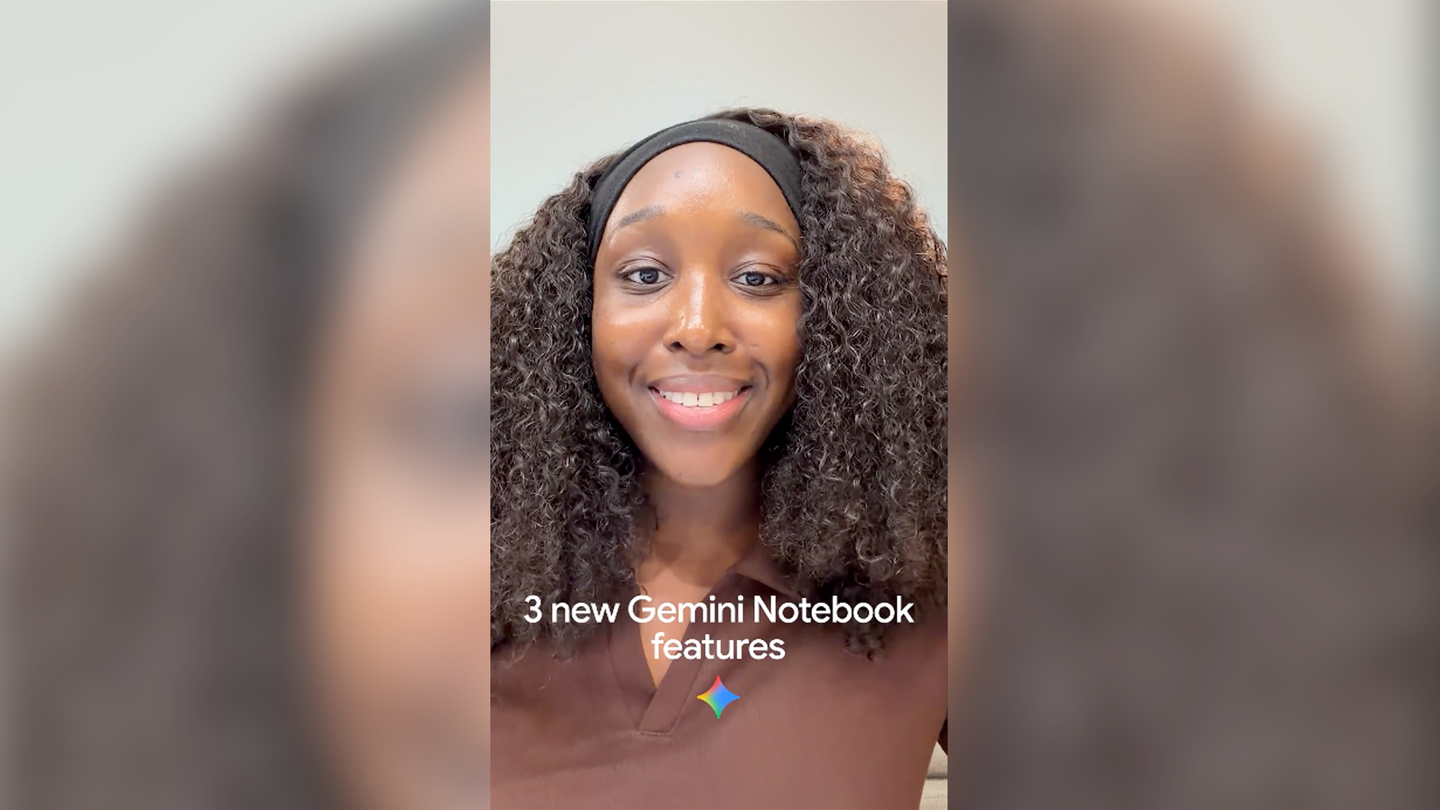
Google’s latest Gemini Notebook features take a student’s existing notes, lectures and readings and reshape them into different study tools. Short Video Overviews can create a 60-second explanation of a difficult concept. Interactive Learning Overviews guide someone through their material step by step, combining summaries with outputs such as slides, quizzes and flashcards. Google says those overviews stay grounded in the coursework added to the notebook.
The quiz tool now supports short-answer, multi-select and fill-in-the-blank questions. After answering, a student can ask for feedback and use it to identify what to revisit. The useful shift is from asking a chatbot for a generic explanation to building a study loop around the specific material a class is using.
The feature is a workflow, not a guarantee of learning
A short video may help someone get oriented, but it does not establish that the explanation is complete or that the student can apply the idea. The stronger test is whether the generated quiz exposes a gap and whether a learner can then solve a new problem without the overview in front of them. Google describes these as study aids; the learner still has to do the retrieval and practice.
For teachers and students, the immediate experiment is simple: load a set of trusted course notes, ask for a video on one hard concept, then use the new question formats to test recall. Compare the result with the original material before treating an AI-generated answer as authoritative.
Source published 2026-10-16. Coverage is based on the maker’s announcement and demonstration.