The useful part comes after the first draft
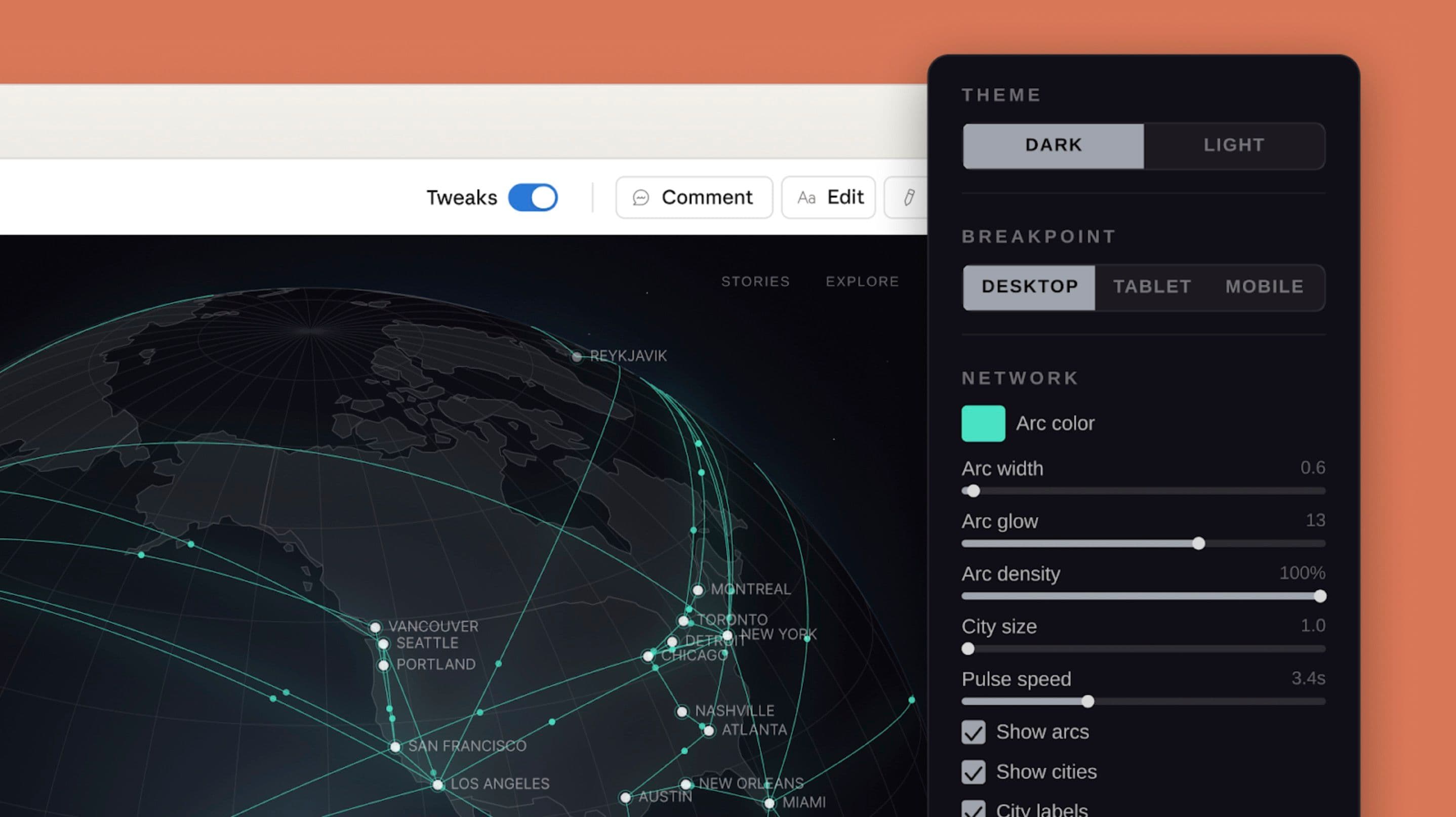
A generated design becomes more useful when you can point to the exact thing that needs changing. Claude Design supports inline comments, direct text edits and custom adjustment controls alongside its chat. Anthropic’s interface image shows a globe visualization with controls for theme, screen size and the appearance of its connecting arcs.
The product was introduced in April as a research preview. Its announcement lists access for Pro, Max, Team and Enterprise subscribers, using subscription limits; enterprise administrators must enable it.
Try a narrower revision loop
Start with one page and one job: explain a product, collect a signup or compare options. Name the audience and the action the page should make easy. Then review the first draft before adding more sections.
For the next revision, choose one issue. A useful instruction might be: “Keep this layout and image. Shorten the headline, increase the contrast of the signup button, and leave the other colors alone.” Compare the resulting version at phone size before moving on. This is a suggested workflow, not a report of our own test.
Give the design somewhere to go
Anthropic documents exports including PDF, PPTX and standalone HTML, plus a handoff bundle for Claude Code. Teams can also provide existing design files and code so the work uses their visual system. Choose the intended destination early: a presentation, a clickable prototype and a production website need different review criteria.
Source published 2026-04-17. Coverage is based on the maker’s announcement and demonstration.